Automatic captions
Add clear subtitles to short video clips
Clip Splitter transcribes speech, times each caption, and applies a consistent high-contrast style after the clip has been selected and reframed.
Create your clips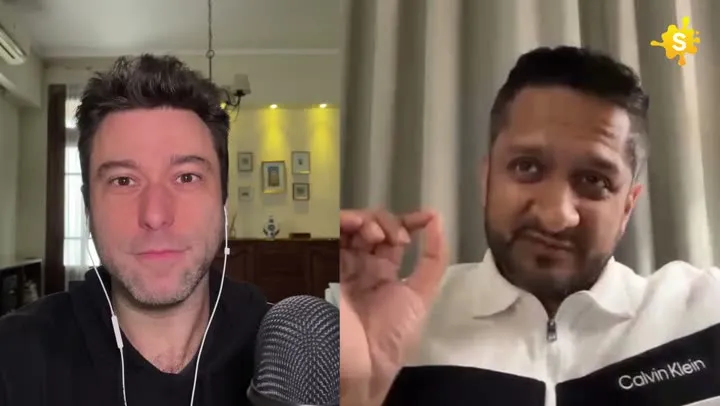
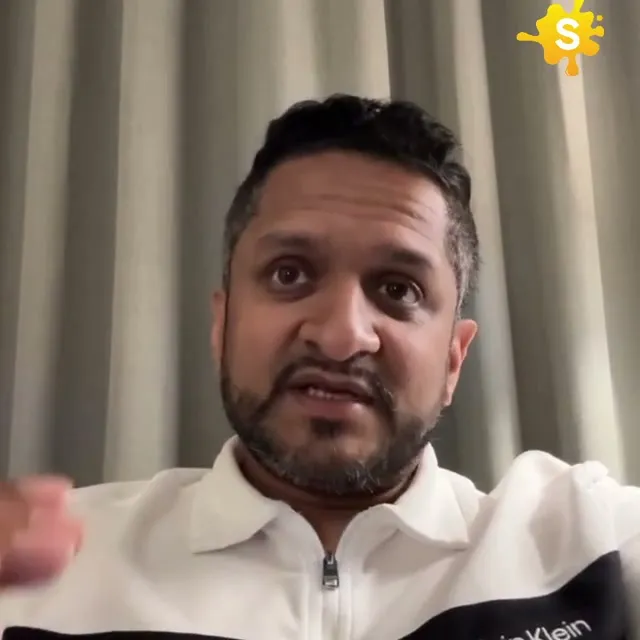
Captions are added after the crop, so they fit the final frame.
How it works
From source video to finished clips
- 01
Analyze the source
Clip Splitter checks speech and representative video frames.
- 02
Prepare the clip
The chosen moment is cut and reframed first.
- 03
Apply subtitles
Timed captions are placed for the final output size.
Made for
Use it across your content library
Questions
What if my video already has subtitles?
Clip Splitter checks for visible burned-in subtitles and avoids adding another caption layer when translation is not requested.
Are subtitles added before or after cropping?
They are applied after the clip is cut and reframed, which keeps the layout appropriate for the final aspect ratio.
Begin with accurate words, then design the captions
An automatic subtitle generator produces a first pass that should be checked against the recording. Accuracy and presentation are related, but they are different tasks. A beautifully styled caption can still contain the wrong name or reverse a sentence by omitting a small word. Start with the text. Listen to the source at its normal speed, pause where necessary and resolve uncertain words before deciding how to display them. This order prevents time being spent polishing a caption that will need to be rewritten once someone notices the transcription problem.
Create a short reference list for unfamiliar vocabulary. Include speaker names, product names, technical expressions and any unusual abbreviations that appear in the recording. A list is particularly useful when several clips come from the same interview, because one correction can inform every review. Do not assume that a recognisable-looking word is correct. Automated text can substitute an ordinary word for a specialist one while leaving the sentence superficially plausible. If the audio remains unclear after listening, seek clarification from the source owner instead of choosing the most convenient spelling.
Decide what the captions need to communicate
For a spoken social clip, the first priority is usually making the dialogue understandable. Consider whether the viewer also needs information about a meaningful sound, an unseen speaker or an interruption. Do not use decorative text as a substitute for communicating the content. A caption that highlights only a few exciting words may look energetic but leave a person watching without sound unable to follow the point. Review the whole clip with that person in mind. Can they understand the topic, the reasoning and the ending from what is actually shown?
Keep editorial additions distinguishable from the speaker’s words. If you add a title or a short explanatory label, make its role clear through placement and styling. Otherwise, a viewer may reasonably assume that the speaker said it. This is especially important when adding a conclusion or a numerical claim. The captions should remain a faithful representation of the recording, while any separate headline should accurately introduce it. Treat that distinction as part of the approval process rather than as a cosmetic preference to be decided at the last moment.
Check the words that carry the most risk of confusion
Numbers deserve deliberate attention. A small transcription error in an amount, date, percentage or measurement can alter the practical meaning of the clip. Compare the caption with the spoken figure and with any visible supporting material. If a speaker corrects themselves, preserve the correction clearly rather than leaving the first figure on screen as if it were final. Similar care is needed with negatives and exceptions. “Do this” and “do not do this” can differ by one short word while recommending opposite actions to the viewer.
Names and acronyms require context. A guest might pronounce a company name differently from its written form, or use an abbreviation that sounds like an ordinary word. Confirm the intended term from approved episode notes or the source owner. Consistent spelling matters across the clip and its surrounding title. If a term is unfamiliar to the audience, a separate explanatory label may help, but do not silently expand the speaker’s words into a different assertion. The review should improve clarity while preserving what the person actually communicated in the recording.
Break lines around meaning rather than appearance
Line breaks affect how quickly text can be understood. Keep closely related words together where possible, especially names, short phrases and expressions whose meaning depends on the final word. A balanced-looking block is not necessarily the easiest one to read. Read each caption in sequence at the pace of the video. If you need to look back to understand a phrase because it was split awkwardly, reconsider the grouping. The purpose of the layout is to help the viewer follow speech while also looking at the image.
Avoid making every caption a dense paragraph. A viewer should not have to choose between reading a large block and watching a demonstration. At the other extreme, displaying one word at a time can become tiring and may remove useful phrase context. Find a treatment that suits the pace and complexity of the recording. A calm explanation with technical language benefits from a different rhythm than a brief conversational reaction. Use the normal viewing experience as the test rather than judging the design from a single attractive screenshot.
Give the text enough time on screen
Review whether each caption appears close enough to the relevant speech and remains long enough to read comfortably. A caption that arrives too early can reveal a conclusion before the speaker builds toward it. A caption that appears late can make the viewer feel that the text and audio describe different moments. Timing errors are especially noticeable around pauses, interruptions and edits between sentences. Watch those boundaries carefully. The central part of a clip may be well aligned even when its opening or ending contains an awkward mismatch.
If a passage is too fast to read, first examine whether the selected clip contains an unnecessarily dense section. Styling cannot solve every pacing problem. Another moment from the source may communicate the same idea more clearly. Do not simply remove essential words from captions while leaving them in the audio, because that can change the meaning for someone watching without sound. Any decision to shorten or simplify should be an editorial decision about the clip as a whole, with the final text checked against the actual spoken result.
Keep captions readable across the entire image
Test the caption style over the brightest, darkest and busiest frames. A treatment that works over a plain background may disappear when the camera moves to a window, a patterned shirt or a presentation. Use enough separation between text and image for the words to remain legible without overwhelming the composition. Check the result on a phone rather than relying only on a large editing display. Small text, thin outlines and low contrast can appear acceptable at desktop size while becoming difficult to read in a normal feed.
Placement also matters. Avoid covering the speaker’s mouth, an important demonstration or existing source labels. Leave room for the destination interface, which may display controls or surrounding text over part of the video. Preview in the actual posting context where possible rather than assuming that the entire frame will remain unobstructed. If the source already contains burned-in captions, assess whether another subtitle layer is necessary. Two competing sets of text can make an otherwise simple clip unnecessarily difficult to follow.
Approve captions as part of the final video
Caption review should happen on the exported clip, not only on a transcript document. The document cannot show whether the text is covered, cropped, mistimed or difficult to read during motion. Watch the final file from beginning to end with sound, then without it. Ask another reviewer to check an unfamiliar name or complex passage when practical. Someone who already knows the intended words can overlook mistakes that are more obvious to a new viewer. A second pair of eyes is particularly helpful for a short but information-dense clip.
- Verify names, numbers, negatives and specialist vocabulary.
- Keep the caption text faithful to the spoken content.
- Check phrase grouping and timing around pauses and cuts.
- Preview readability on a phone over changing backgrounds.
- Avoid collisions with source text, faces and important actions.
- Approve the actual final export and keep its revision identifiable.
Maintain a small correction list as you publish more clips. Recurring names, product vocabulary and preferred presentation choices become easier to review when they are recorded consistently. This does not remove the need to listen, because each recording has its own context, but it reduces repeated uncertainty. The value of automatic subtitles is the time saved on the first transcription pass. Use that time to check the parts that most affect understanding, so the final captions help people follow the video instead of merely decorating it.
A worked editorial example
Consider a speaker who says that a task should take fifteen minutes, then immediately corrects the estimate to fifty. The caption review needs to preserve that correction, not simply select the first plausible number. Listen to the complete sentence and inspect how both parts appear during playback. If the correction flashes too briefly, a person watching without sound may retain the wrong estimate. The same problem can occur with a product name that resembles an ordinary word. Keep a short reference beside the source, verify the intended spelling and watch the corrected caption at normal speed. This example illustrates why subtitle approval is both a text check and a timing check: either can fail while the other appears correct.
Your next clip is already in the video.
Let Clip Splitter find it, frame it, and caption it.
Start clipping