Subtitle translation
Translate video subtitles for a new audience
Choose a target language and Clip Splitter produces translated on-screen captions. If the source already contains subtitles, a solid caption panel keeps the translation readable.
Create your clips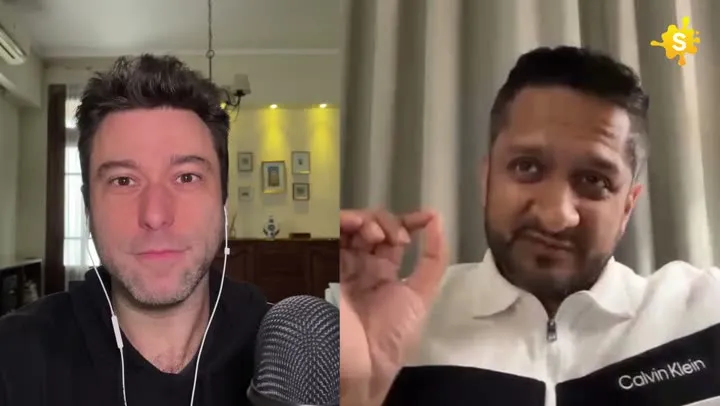
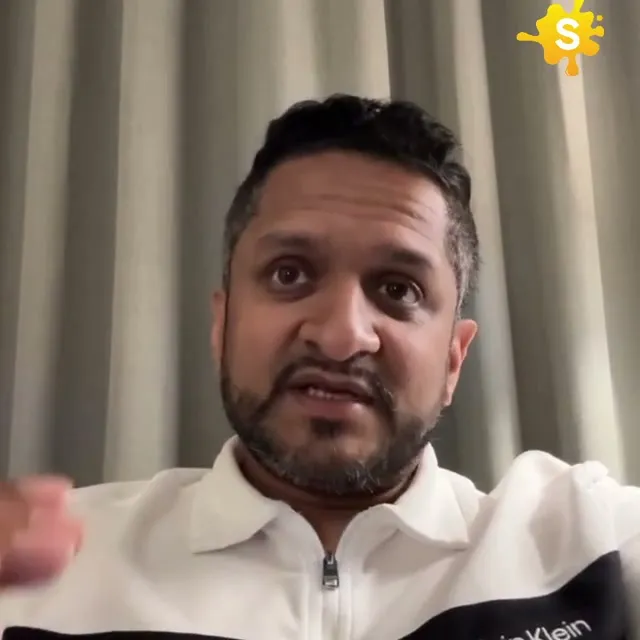
Same voice and delivery. Subtitles for a different audience.
How it works
From source video to finished clips
- 01
Choose translation
Select a target subtitle language in the clip wizard.
- 02
Detect existing text
Clip Splitter checks whether the source already contains captions.
- 03
Render the translation
Translated subtitles are positioned clearly in the final clip.
Made for
Use it across your content library
Questions
Does subtitle translation replace the audio?
No. The original audio remains unchanged; only the on-screen subtitles are translated.
What happens when the original video has captions?
The translated captions use an opaque background placed over the original caption area to prevent overlapping text.
Translate a clear source transcript first
Subtitle translation works best when the original speech has already been understood correctly. If the source transcript contains a wrong name, a missing negative or an incorrect number, translation can carry that error into another language while making it harder for the original editor to notice. Review the source text before judging the translated version. Pay particular attention to industry terms and words that sound alike. A fluent-looking translation is not evidence that the underlying transcription was accurate. The first quality check belongs with the recording and its original meaning.
Keep the source context available to the reviewer. A short isolated sentence may be ambiguous even when every word is transcribed correctly. The speaker could be joking, referring to a previous example or comparing two alternatives. Provide the surrounding passage when someone needs to resolve that ambiguity. Translation is an editorial task as well as a language task because a useful subtitle needs to preserve the role of the sentence in the conversation. Removing that context can turn a careful explanation into an apparently stronger or weaker claim than the speaker intended.
Choose the audience and register deliberately
Languages contain different levels of formality, regional vocabulary and audience expectations. Decide who the translated clip is for before approving the wording. A technical training audience may need precise terminology, while an introductory public explanation may need a familiar expression that carries the same idea. Consistency matters across a series. If the first clip addresses the viewer formally and the next uses a markedly different tone, the channel can feel as though several unrelated voices are speaking on behalf of the same organisation.
Write a short language brief rather than relying on an instruction to make everything sound natural. Include the intended audience, the preferred tone and any terms that should remain unchanged. If a product name has an approved local spelling, record it. If there is no approved version, ask the content owner instead of inventing one. These small decisions help a reviewer evaluate translation choices consistently. They also make it easier to explain a requested change without suggesting that every difference in wording is automatically an error.
Preserve meaning rather than copying word order
A literal translation can sound unnatural or obscure the relationship between ideas. Conversely, an overly free translation can add an implication that was not present in the source. Review what the viewer should understand from the sentence, including its conditions and degree of certainty. Words such as “may,” “usually” and “only” deserve attention because they shape the claim. A translation that turns a possibility into a promise can misrepresent the speaker even if its vocabulary is otherwise accurate and easy to read.
Idioms and humour need particularly careful treatment. A phrase that is familiar in the source language may make little sense when transferred directly. Look for an equivalent that communicates the intended point without inventing a new joke or changing the speaker’s attitude. Sometimes a plain explanation is more useful than an elaborate attempt to reproduce the original expression. The right choice depends on the clip’s purpose. A practical tutorial prioritises understanding, while an interview may need to preserve more of the speaker’s distinctive conversational voice.
Build a terminology sheet for repeated subjects
When several clips discuss the same product or process, keep a small glossary of approved terms. Include the source expression, the chosen translation and a short note about its context. This prevents the same feature or concept from receiving several different names across a series. It also helps a reviewer identify when a familiar word is being used in a different technical sense. A glossary should support judgement rather than replace it: the same source word can require different translations depending on the sentence.
Names, units and abbreviations deserve their own checks. Confirm whether an abbreviation should remain as written or be explained in the surrounding content. Preserve numerical meaning accurately, including any conditions attached to it. Avoid changing a measurement or amount merely to make a caption look shorter. If the publisher chooses to add a separate local explanation, identify it as editorial context instead of making it appear to be a direct translation of the speaker’s words. Clear separation protects both the accuracy of the subtitles and the usefulness of the added information.
Review timing after translation
Translated text may take more or less space than the source. A sentence that fits comfortably in one language can become difficult to read within the same interval in another. Watch the translated clip at its normal speed and assess the complete reading experience. Do not approve solely from a spreadsheet of translated sentences. That view cannot show whether the viewer has enough time to read the words while also following the image. Subtitle timing, phrase grouping and visual complexity all affect whether the translation is usable.
When a caption feels crowded, review the phrasing with a qualified language reviewer. A concise equivalent may preserve the meaning better than squeezing more words into a small area. Avoid removing qualifications or examples that carry the point simply to reduce the character count. Consider whether the clip itself should include more context or use a different passage. The goal is not to force every translated sentence into the exact visual shape of the original. It is to create an accurate, readable version of the same message for the intended audience.
Check typography and mixed-language details
Preview the actual characters used in the translated result. Names, punctuation and language-specific characters should display consistently rather than falling back to an unexpectedly different style. Check line breaks around words and phrases that belong together. If the clip mixes languages, make sure the transition does not create confusing punctuation or inconsistent treatment of names. A title may remain in one language while the speech is translated, so assess whether that combination helps the intended viewer or leaves an important part of the presentation unexplained.
Readability should be checked on the device and at the size the audience is likely to use. A desktop preview can hide problems caused by dense text or a crowded lower part of the image. Keep the captions clear of relevant source labels and destination controls. Review the brightest and busiest frames as well as the opening shot. Translation approval should cover these practical presentation issues, because accurate words that cannot be read in time do not provide the viewer with an effective translation of the clip.
Use human review where meaning matters
For a published translation, arrange review by someone who understands the target language and the subject. They should compare the translated meaning with the source rather than simply judging whether the result sounds fluent. Ask them to identify ambiguous passages, inconsistent terms and changes in certainty. Give the reviewer the final clip or a faithful preview so that timing and visual context can be assessed together. If no qualified review is available, recognise that the language quality remains less certain rather than treating automatic output as fully approved.
- Correct the source transcript before translating it.
- Define the target audience and the intended level of formality.
- Keep names, technical terms and repeated concepts consistent.
- Preserve qualifications, numerical meaning and the speaker’s intent.
- Watch the translated captions at normal speed on a phone.
- Approve each language version as a distinct publication file.
Label exports clearly by language and revision. A small naming error can cause the wrong version to be published even when the translation work itself was careful. Keep the approved source and translated files together with any terminology notes. When the underlying clip changes, review all affected language versions rather than assuming the old subtitles still match. A reliable translation workflow makes these relationships visible, allowing automation to accelerate preparation while reviewers protect the accuracy and clarity of the final message.
A worked editorial example
Imagine a training clip in which a speaker says that a method may help when a team already has a consistent review process. A translated sentence that says the method will help every team removes both the uncertainty and the condition. Ask the reviewer to identify those two elements explicitly before polishing the phrasing. Then watch whether the complete translated thought remains readable within the caption interval. If it is too long, find a concise equivalent with the same meaning rather than deleting the condition. Record any technical term chosen during the review so that the next clip uses it consistently. This produces a translation that is practical to read without turning a qualified explanation into a stronger promise.
Your next clip is already in the video.
Let Clip Splitter find it, frame it, and caption it.
Start clipping